Pending approvals panel
Last updated: July 11, 2025
Overview
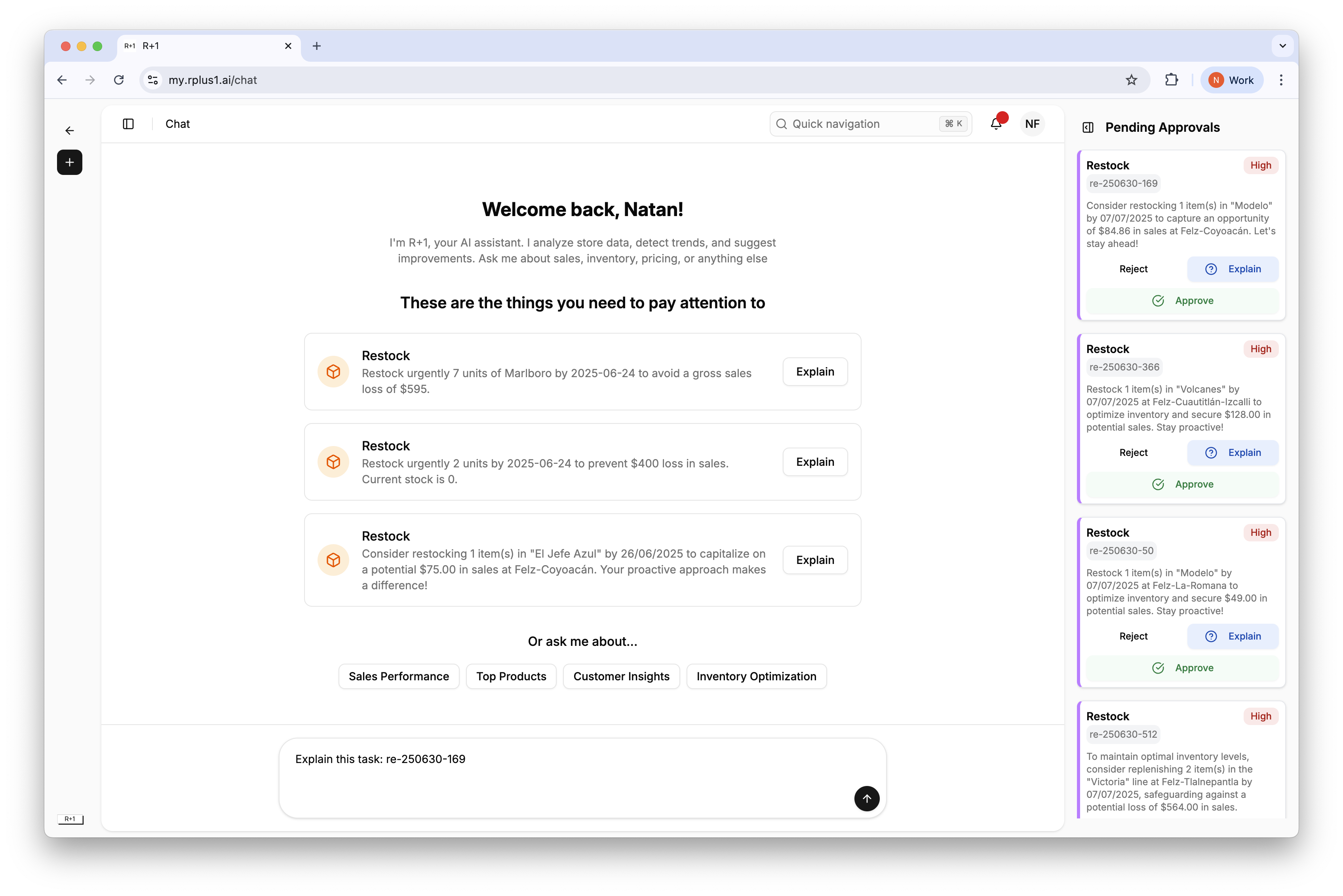
The right side panel keeps urgent tasks in view wherever you are in the app.
Using the panel
Tasks appear sorted by priority, highest first. Hover to see details, click Explain, Approve, or Reject without leaving the current page.
Tip
Pin the panel open while working through the dashboard so you do not miss new High tasks that appear after a data upload.