Get Odoo Credentials
Last updated: September 1, 2025
To connect your Odoo account we need four pieces of information:
Odoo URL (ie. https://acme.odoo.com)
Database name
Username (your Odoo account email)
Password (API key)
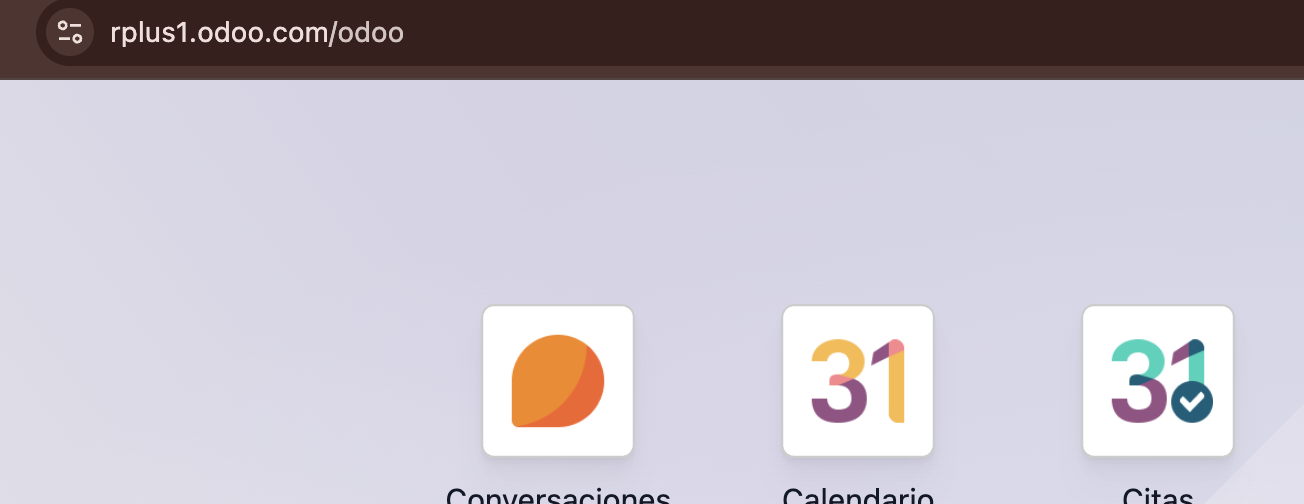
Odoo URL
Your Odoo URL is the link to your Odoo account (ie. https://rplus.odoo.com)
Database name
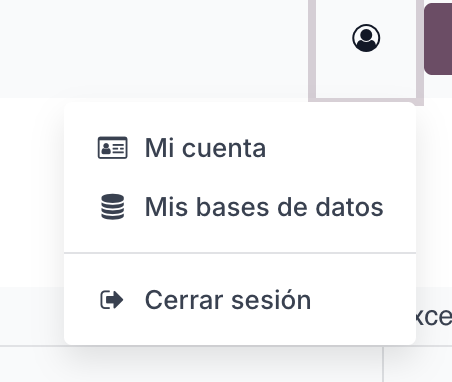
Click on the profile icon and go to My Databases.
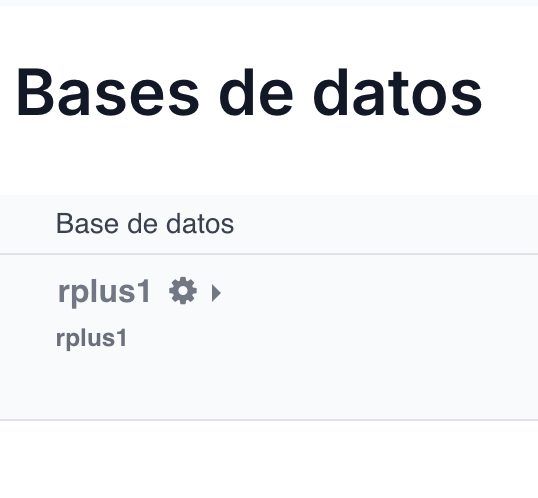
Inside the Database section, you will find the name of your database (e.g., rplus1).
User name
Your username is the email address you use to log in.
Password
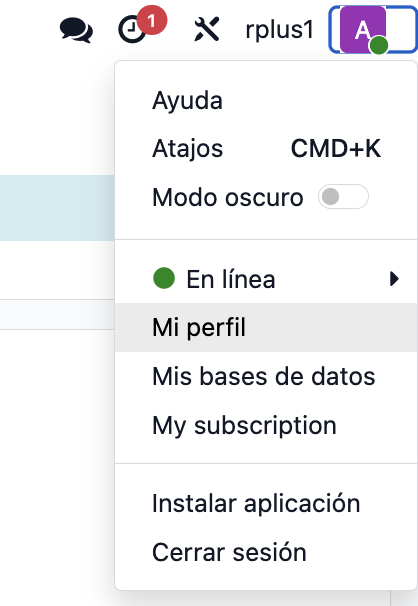
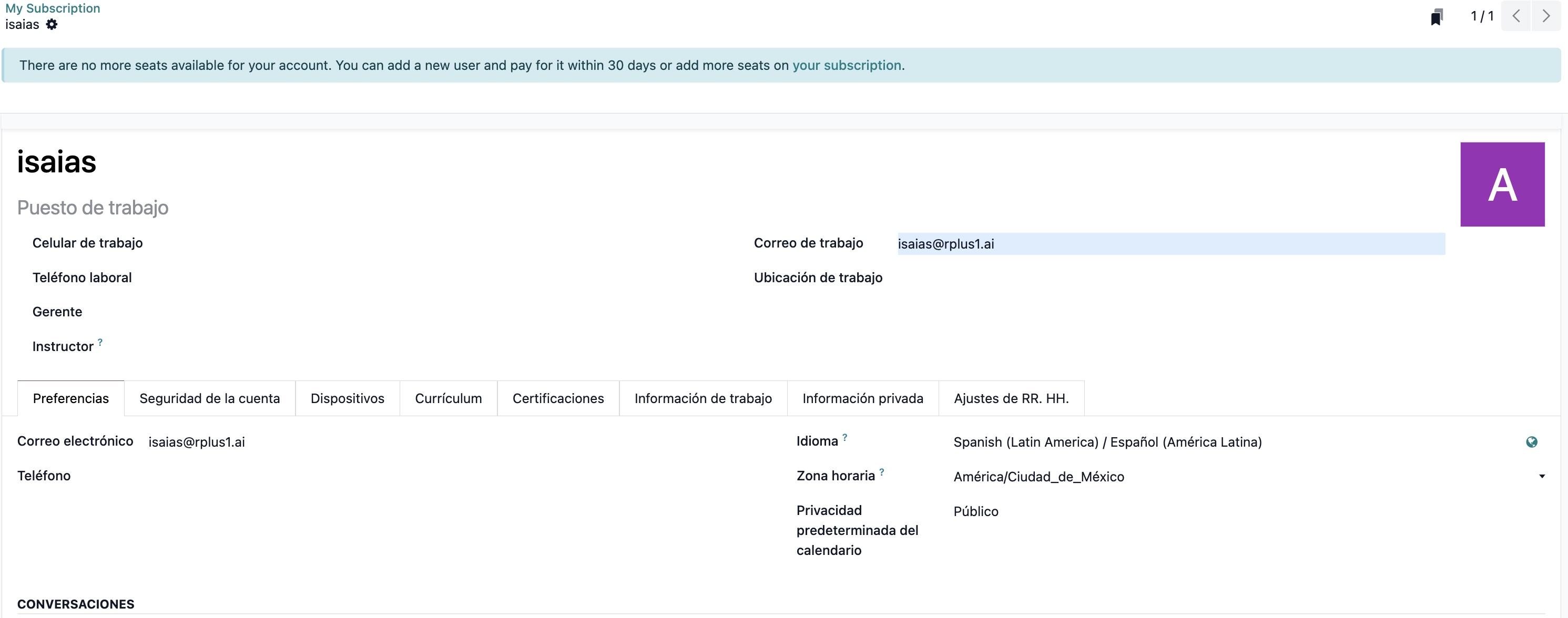
Log in to your Odoo account, click on your profile, and select the My Profile section.
Inside your profile, select the Account Security tab.
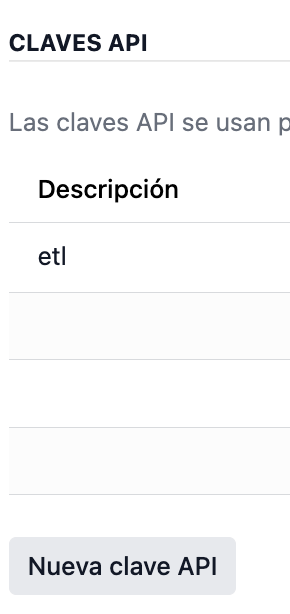
Scroll down to the API Keys section and click the New API Key button.
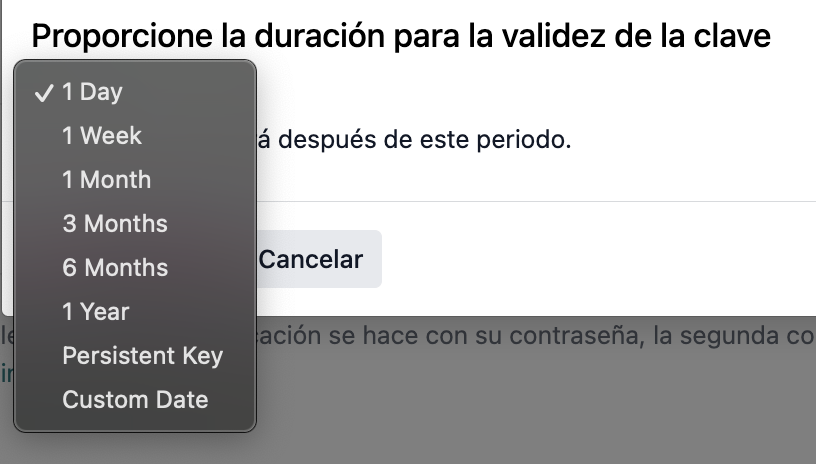
Add a description and change the validity of the key to Persistent key.
Once you have created it, save your API key in a secure place.