Invite a new user
Last updated: July 11, 2025
Overview
Inviting colleagues helps them follow tasks and contribute to execution. Permissions ensure each role sees only what they need.
Step by step
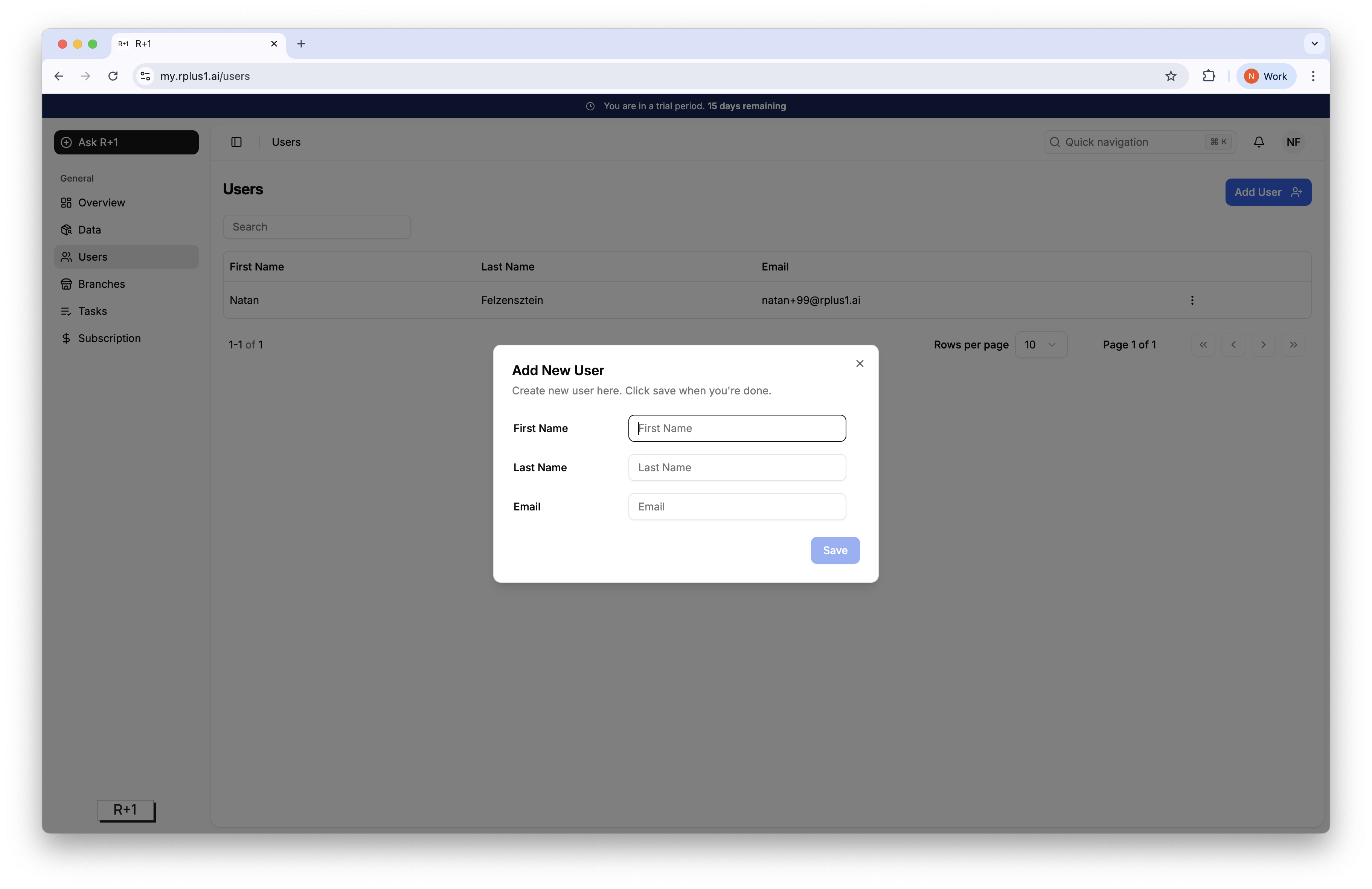
Click Users then Add User.
Enter the colleague’s email and press Save.
The user receives an email with a sign‑up link.
Tip
Complete the onboarding by sharing the Getting Started articles so new users ramp quickly.