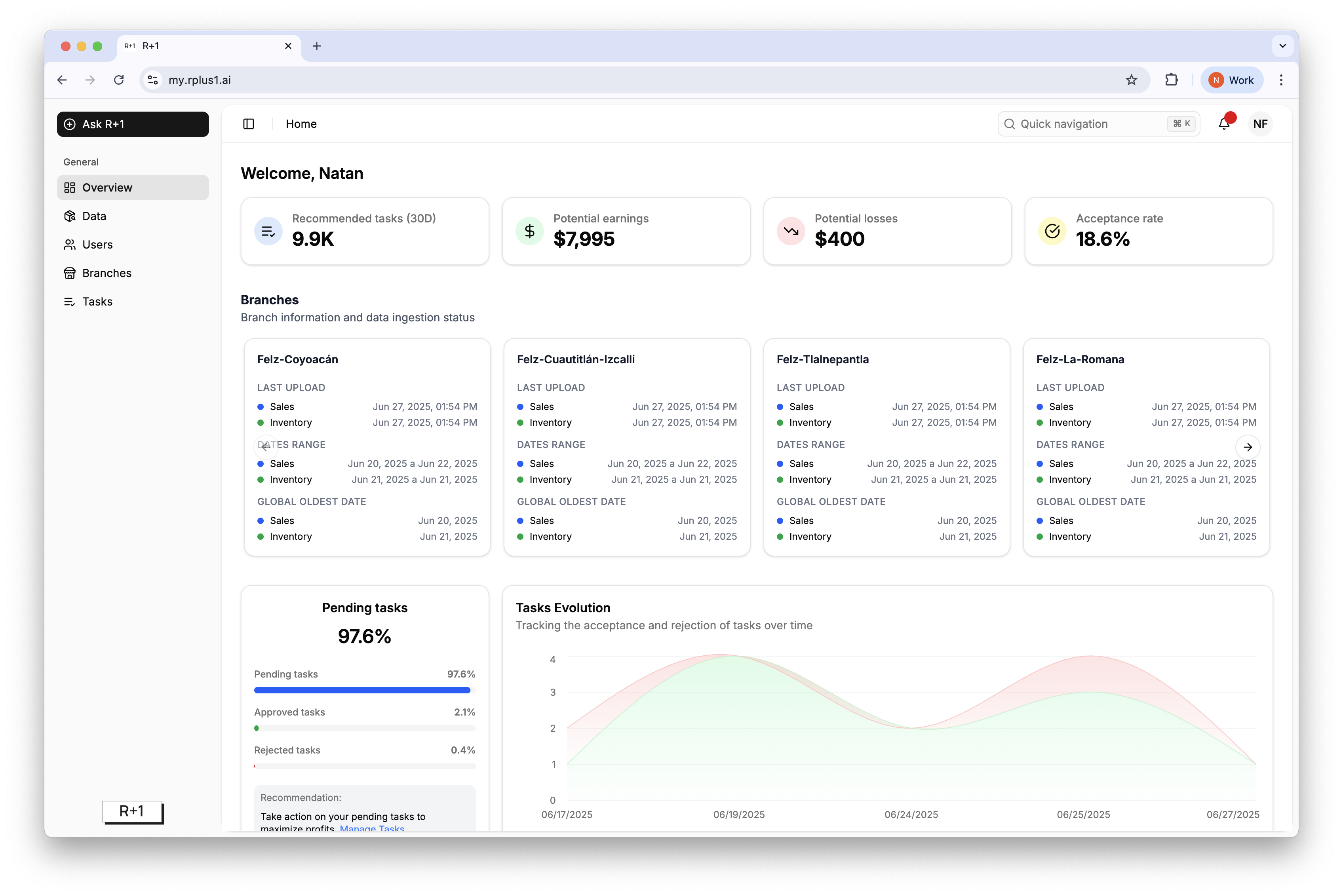
Tasks evolution chart
Last updated: July 11, 2025
Overview
This chart shows how approvals and rejections trend over time so you can identify process bottlenecks.
Reading the chart
Hover any point to see the exact count of tasks approved (green) or rejected (red) on that date range. A rising green area indicates consistent execution.
Tip
A sudden spike in red often coincides with data ingestion gaps or supplier stock‑outs. Investigate quickly to keep momentum.